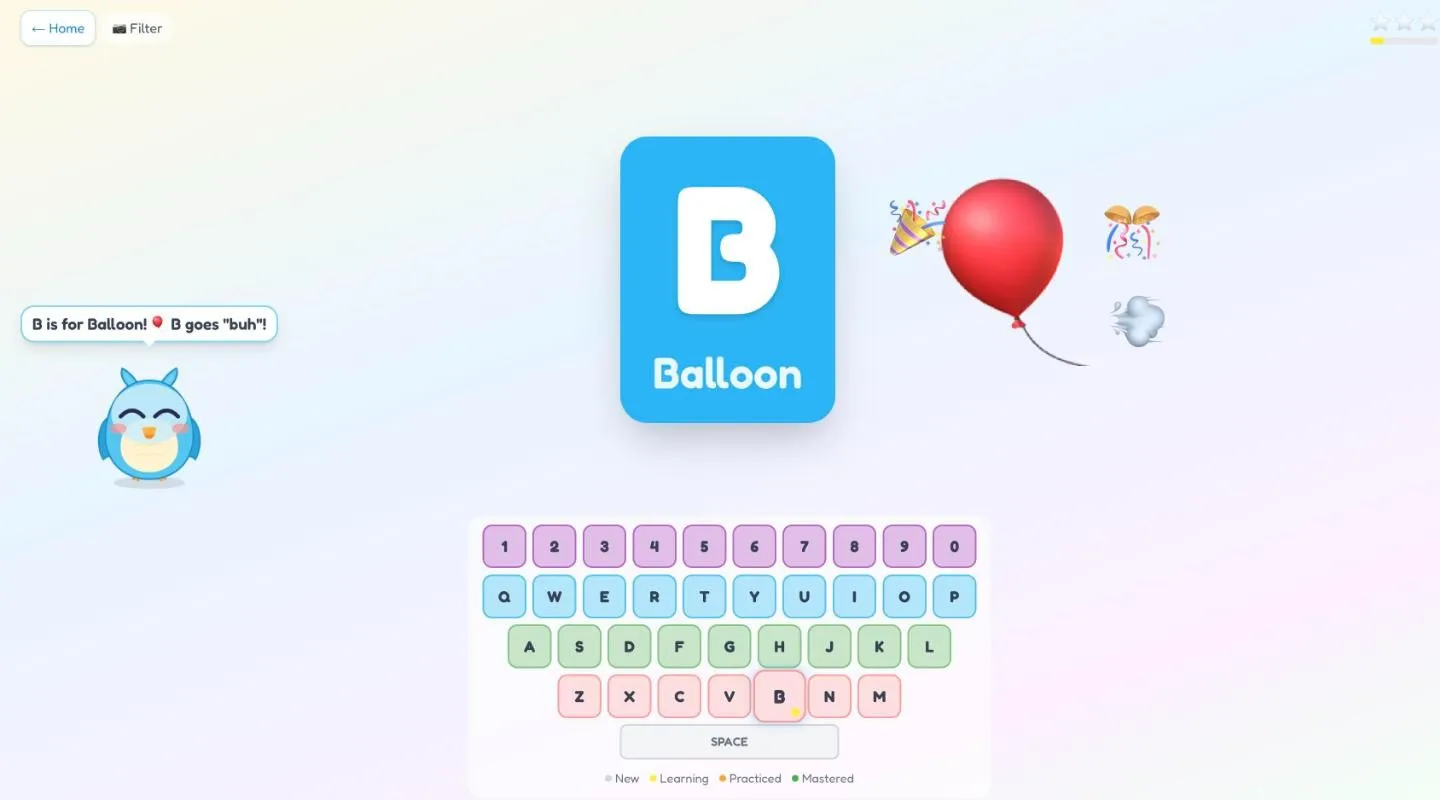
Press B and you hear “B. Buh. B is for Balloon!”, a balloon shows up, and Pip the owl reacts. That’s KeyJr. It runs entirely in the browser: no accounts, no backend, nothing to sign up for. Progress stays on the device.
Three modes
- Explorer (ages 2 to 4): every key does something.
- Quest: find the letter Pip asks for. After two wrong tries, the right key starts to pulse.
- Spell: 30 words of three and four letters.
A parent corner shows a heat map of which letters have been found and how often. A star comes every five presses, and stars roll up into trophies.
The voice
The first version used the browser’s speech API, which sounds different on every device. Now the
clips are made at build time: a shell script runs macOS’s say with the Samantha voice at rate
148, about a quarter slower than normal, and pipes it through ffmpeg. That’s 152 MP3s.
Text-to-speech likes to read “rrr” as “R, R, R”, so phoneme spellings get remapped before they’re
spoken. Clips are chained so speech never overlaps, however fast the keys come.
Camera filters
Turn on the camera and each letter gets a face filter: an apple, a zebra, cat ears. MediaPipe’s face landmarker finds the face. Each filter is drawn in face units, a hundredth of the face’s width, in a frame corrected for head tilt, so it stays put when a kid wobbles.
What fought back
- Sixteen of the 26 filters covered the face. A four-year-old wearing a giant apple over their eyes can’t see themselves, which is the whole point. They were redrawn, and the rule is written down now: never cover the eyes, nose or mouth.
- The moon filter erased the camera image instead of drawing over it. That compositing mode is banned.
- Pressing keys during a celebration produced “We need undefined next!” and made Quest skip two letters ahead.
- Tab, Space, Enter and Firefox’s quick-find all hijacked the game. Toddlers find every one of them.
Status
Live at keyjr.com, and installable as an app.